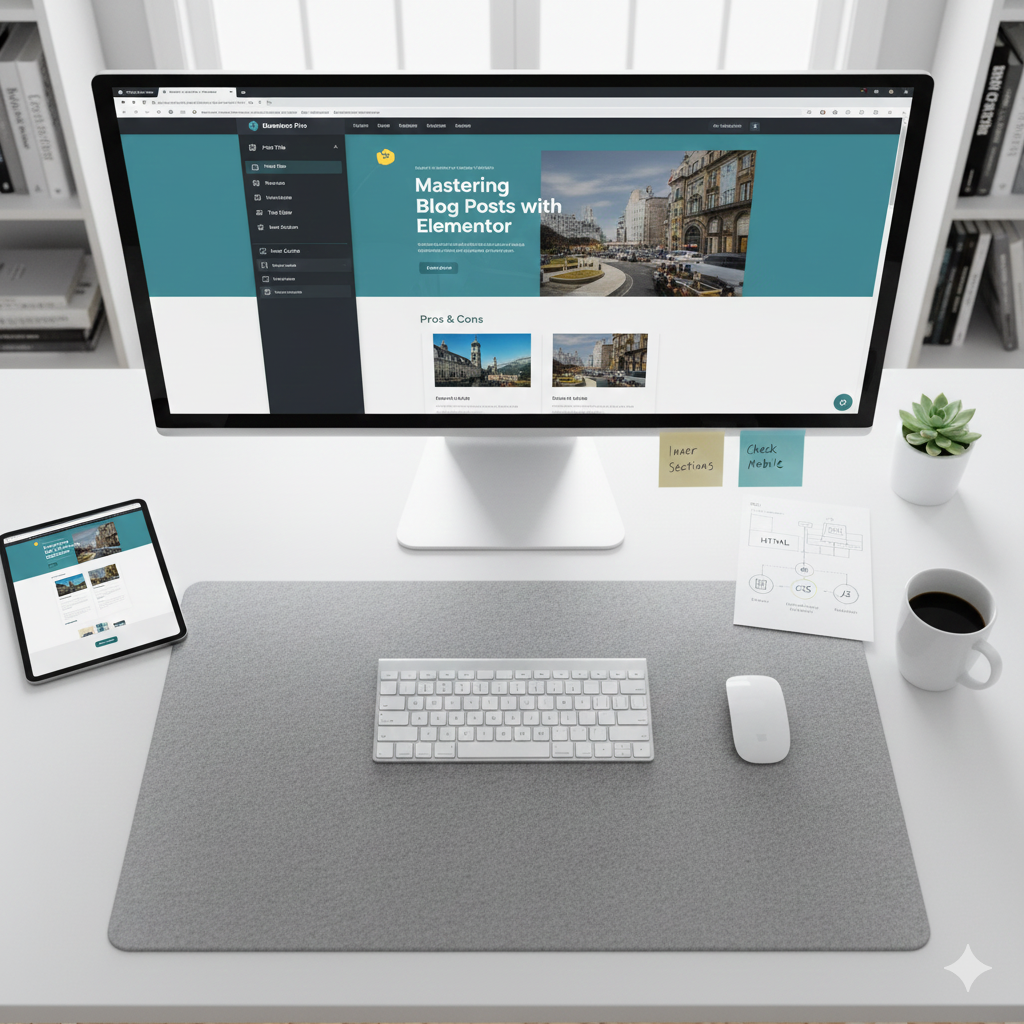
 To help you with your website, I have put together a clear, step-by-step guide on how to use Elementor for blog posts.
There are actually two ways to do this: the “Creative Way” (designing a specific post from scratch) and the “Smart Way” (creating a template that automatically styles all your future posts).
How to Use Elementor for Your Blog Posts
Method 1: The Creative Way (Individual Post)
Use this if you want one specific post to look completely unique compared to everything else on your site.
- Create a New Post: In your WordPress dashboard, go to Posts > Add New.
- Set the Basics: Give your post a title, set your “Featured Image” on the right sidebar, and select your categories.
- Launch Elementor: Click the big blue “Edit with Elementor” button at the top.
- Drag and Drop: * Search for the Text Editor widget for your story.
- Use the Heading widget for sub-sections.
- Drag in Image widgets to break up the text.
- Publish: Hit the green Publish button at the bottom left.
Method 2: The Smart Way (Using a Template)
Note: This requires Elementor Pro, but it’s how “awesome” websites stay consistent.
Instead of designing every post manually, you create one “Master Design” that every new post will automatically follow.
https://www.youtube.com/watch?v=XHOmBV4js_E
Cool tell me more